Which 9 books made you?
Make a book 3×3 grid
The MadeOf9 book grid maker turns nine books you choose into a cover collage. Search the book catalog, arrange the covers, customize the design, and download a PNG or publish a link without an account.
How to make your 3×3 grid
- 01
Search the book catalog
Pick nine books that mean something to you. Look at the title and cover to choose the edition you intended.
- 02
Arrange and personalize
Drag covers on desktop; on mobile, use the move controls to swap positions. Edit your title and caption, then choose a theme and background.
- 03
Download or publish
Download a PNG to share as an image. To share a link, fill all nine slots and select Publish. The share page also lets visitors remix the selection.
An example selection
My 9
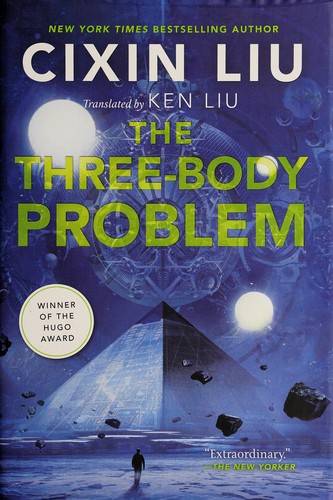
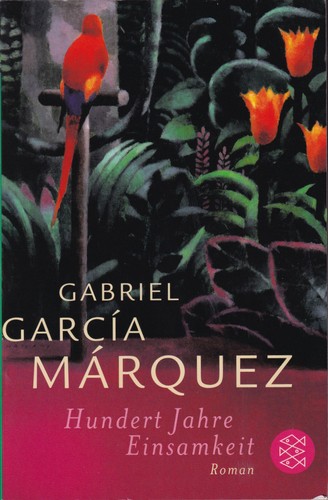
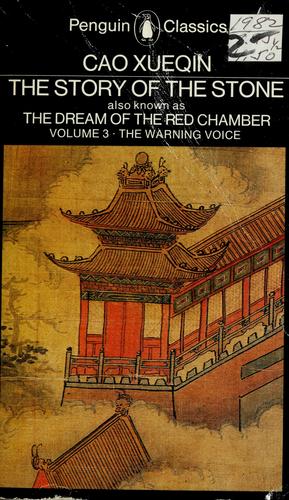
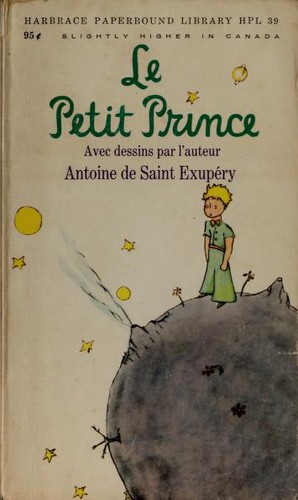
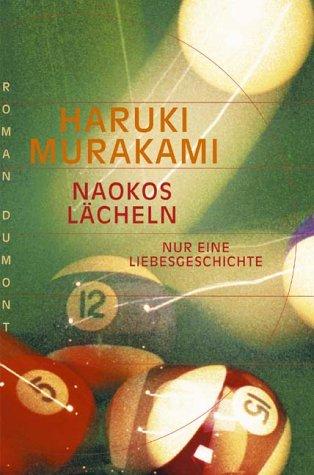
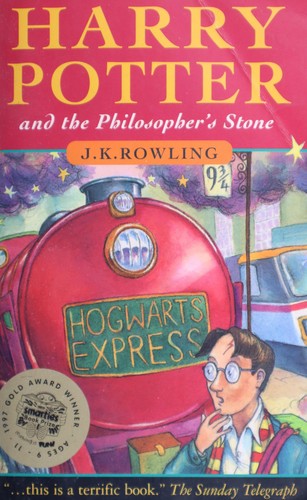
MadeOf9
Frequently asked questions
Is MadeOf9 free, and do I need an account?
The current movie, game, anime and book grid makers are free to use. You can search, edit, download and publish without registering or signing in.
Can I change the order and design?
Yes. Drag covers on desktop or use the move controls on mobile. You can edit the title and caption, choose Dark, Light or Editorial themes, and use a solid or gradient background.
What image format can I download?
MadeOf9 exports PNG images in your browser. Use Download image; if your mobile browser does not save the file, use View image and save it from there.
Does downloading make my grid public?
No. Editing and downloading do not publish it. Selecting Publish with all nine slots filled creates a public link; the grid may appear in Explore and search results. Avoid putting private information in its title or caption.
What if I cannot find a work?
Book searches use Google Books with Open Library as a fallback. Titles, editions and covers vary by language and availability; try a longer or original-language title.